
AI Video Generator - Create Video from Text
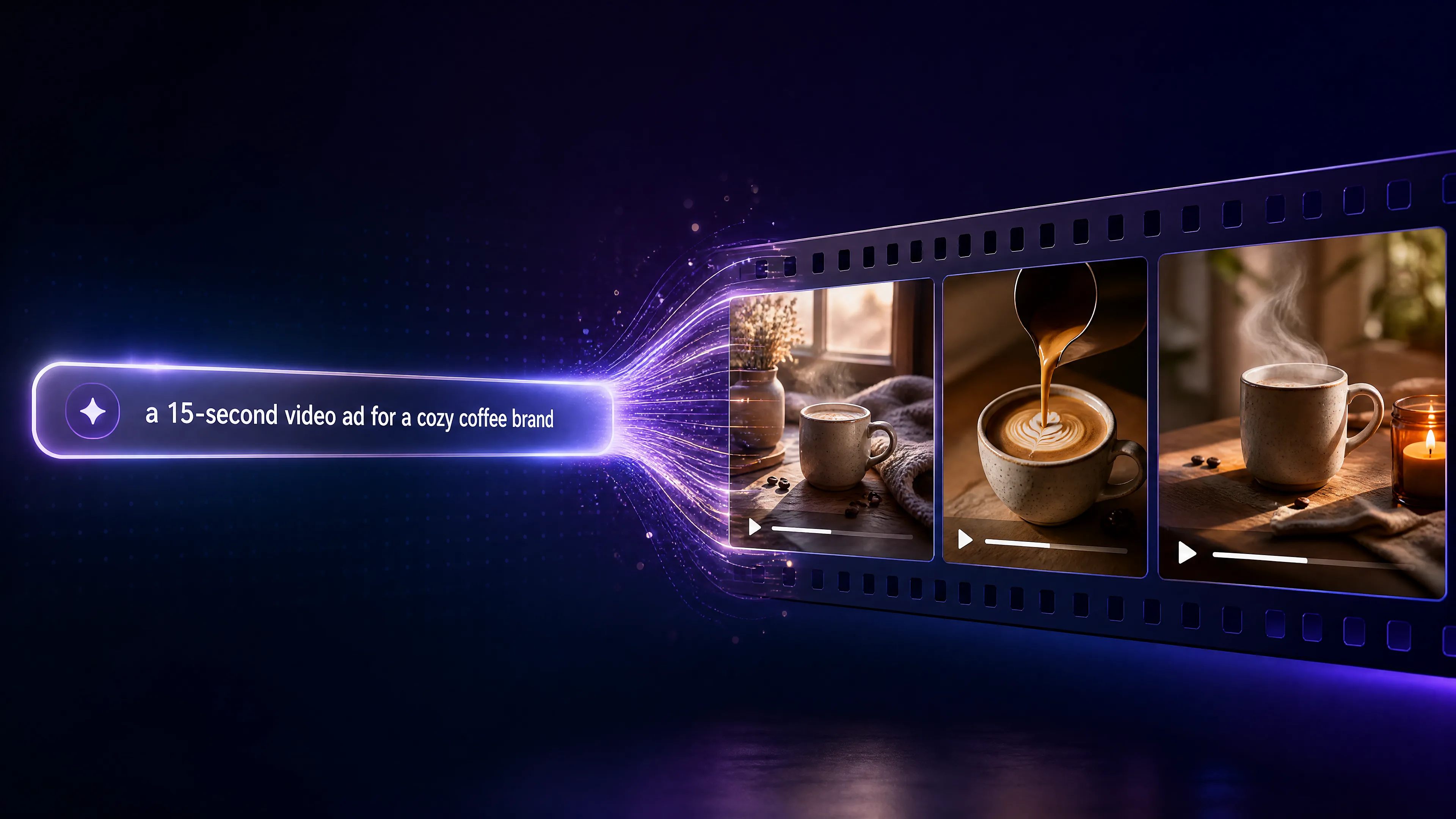
Describe dynamic scene motions, cinematic lighting, and camera styles in text prompts, then generate high-definition video clips with Seedance 2.
Your video
Create a video from a text prompt with Seedance 2.
What Is AI Video Generator?
An AI video generator is a text-to-video system that turns written scene prompts into dynamic video clips. AdMakeo sends your scene prompt to Seedance 2, then tracks the task until the provider returns a finished video. It is built for prompt-based marketing concepts, product demos, and short social content.

Explore Video Use Cases
Specialized AI video synthesis tools for photorealism, anime storytelling, and fluid 2D/3D animation.
Why Choose AdMakeo?
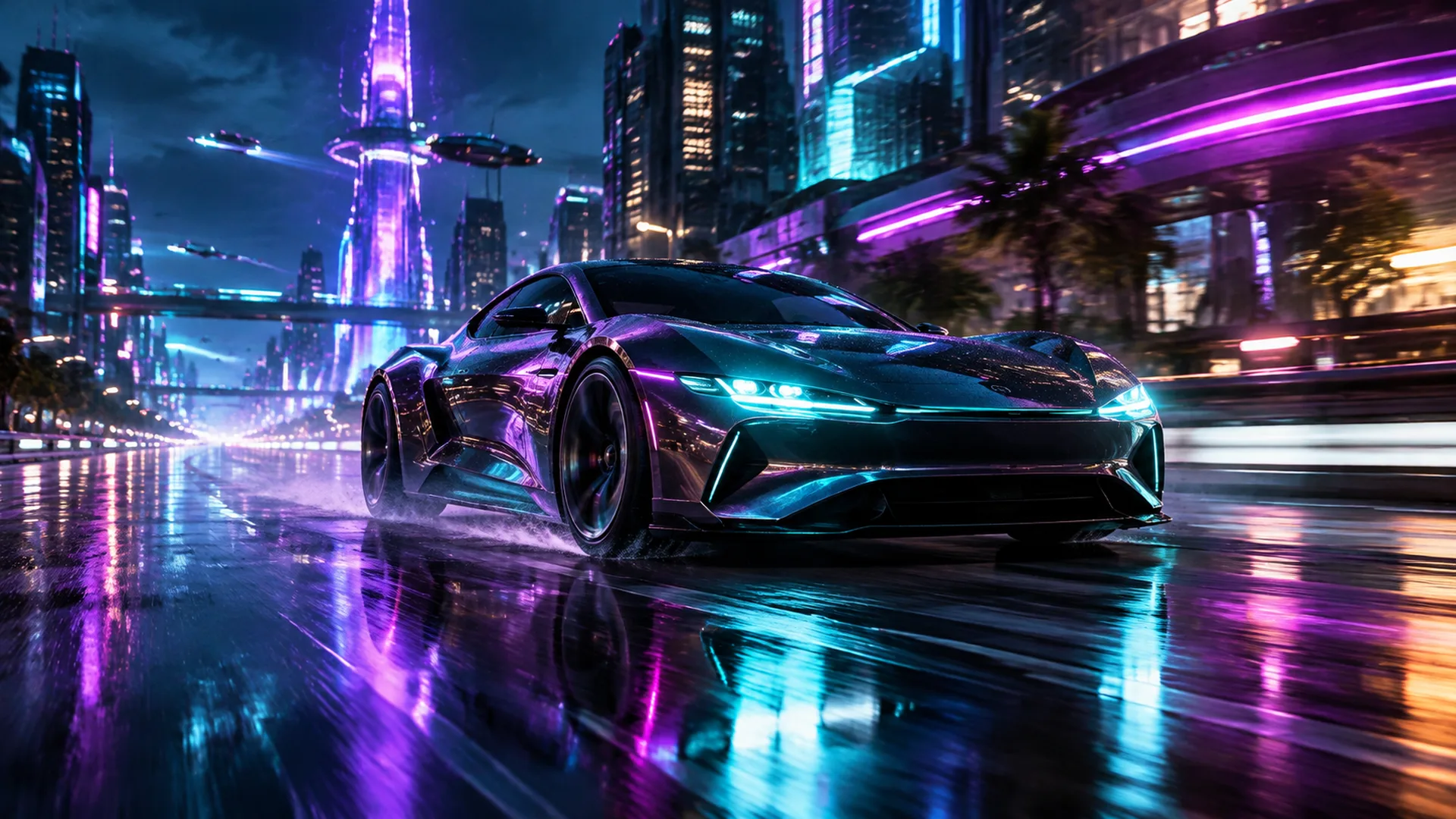
AdMakeo runs Seedance 2 in three tiers so you can trade cost for sharper, longer clips. Standard renders a 720p clip at the lowest credit cost, built for quick concepting and social drafts. HD steps up to 1080p, and HD 10s renders a longer 1080p clip — each from a written scene prompt, so describe the subject, the motion, the camera, and the mood, and the model animates it. Reach for an HD tier on a hero shot or a client-facing demo. Pick a tier, write the scene, review the credit cost, and run the task.
Struggling with Video Editing?
Producing videos traditionally requires costly gear, talent, and long hours of manual editing. AdMakeo removes those barriers and speeds up production. No technical skills required. Use advanced technology to handle the heavy lifting and scale content output with consistent quality.

Key Features
Discover the powerful features that make our platform exceptional. We offer everything needed to speed up your workflow and elevate your video content quality.
Prompt-Based Text-to-Video Generation
Describe the scene, motion, camera direction, and style you want the model to generate.
Clear Model and Credit Choices
Select an available video model and review its server-defined credit cost before submitting the task.
Absolutely No Editing Skills Required
The intuitive online interface makes video creation as easy as writing an email. You do not need prior video editing experience to produce professional results.
How to Make a Video from Text
Follow three steps to turn a written scene idea into a generated video with the current workspace.
Step 1: Choose a video model
Select an available model tier and review the credit cost displayed by the generator.

Step 2: Write a detailed scene prompt
Describe the subject, environment, motion, camera behavior, pacing, and visual style you want.
Step 3: Generate and track the task
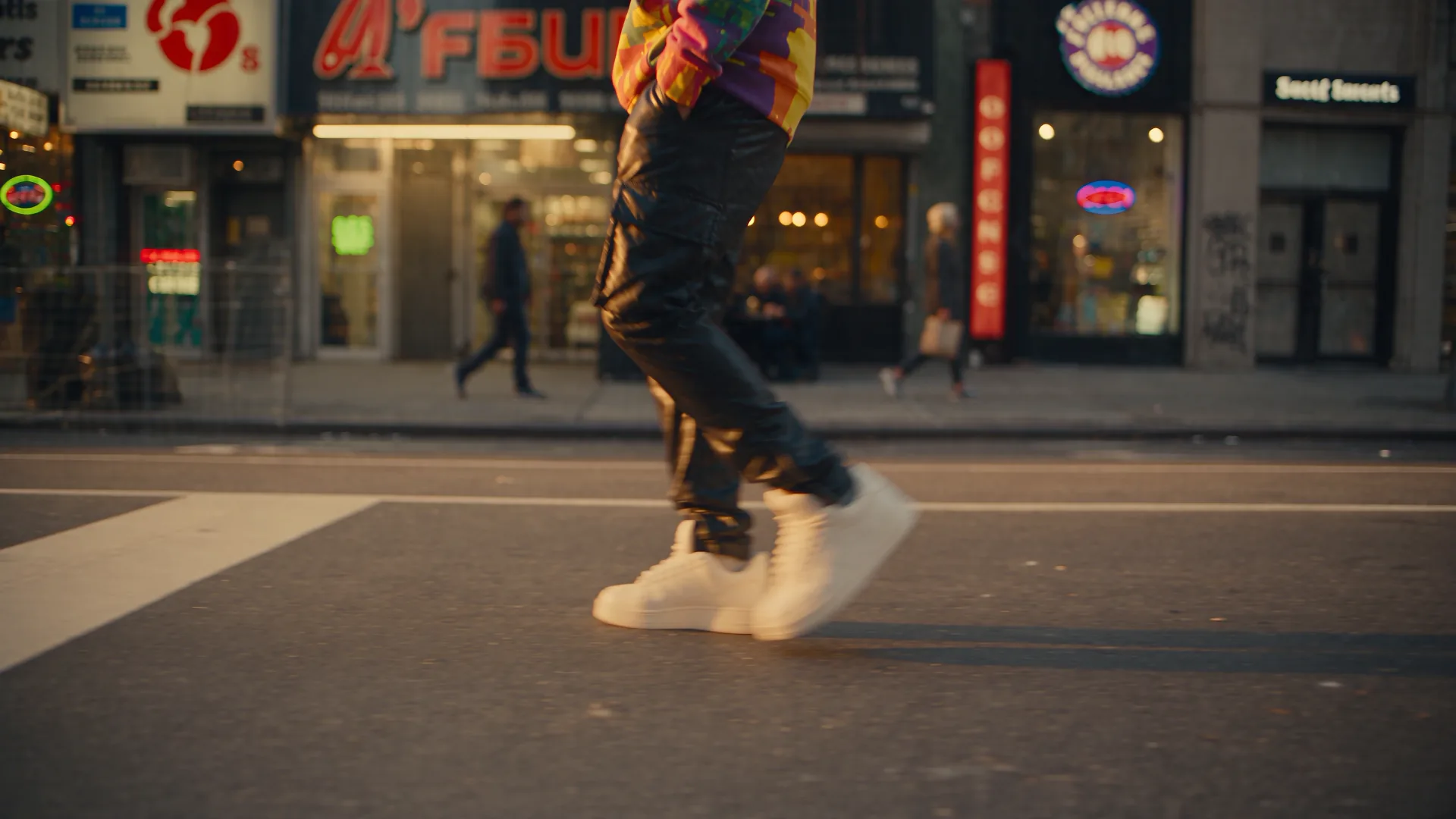
Submit the task and keep the page open while AdMakeo checks the provider status. The completed video appears in the result area.
Create Premium AI Videos Instantly Today
Ready to transform your ideas into engaging visual content? Try AI Video Generator now and boost your digital presence with professional, high-quality videos.
Frequently Asked Questions
AdMakeo operates on a flexible credit model with plans starting from $20 for 800 credits up to high-volume creator tiers ($990). Video costs depend on the Seedance 2 tier: Standard (720p, 5s) runs 650 credits, HD (1080p, 5s) runs 1,500 credits, and HD 10s (1080p, 10s) runs 2,950 credits, with a credit history where you can check any credit returns for failed tasks.
The current video generator accepts a text prompt describing the scene, motion, camera direction, and style. It does not accept media input in this build.
You can select any of the Seedance 2 tiers shown in the generator — Standard for a fast draft, or an HD tier — and write the prompt. Other output settings are determined by the current product configuration.
Generation runs on AdMakeo servers. Your browser only sends the text prompt and polls for the finished video, so results do not depend on your hardware and you can close the tab while a job runs.
Each video model has a server-defined credit cost. AdMakeo checks your balance when the task starts. If a generation fails, check your credit history for any credit return.
Rendering time depends on the selected model and the provider queue. The workspace displays the task state until the provider returns a result or reports a failure.
Standard is the lowest-credit tier (720p, 5s) — use it to nail the prompt on quick concepts and drafts. HD renders 1080p at 5s, and HD 10s renders 1080p at 10s, spending more credits for a sharper or longer result. Draft on Standard, then re-run on an HD tier for the final client-facing clip.